Application / Media hub Personal project
RayCast.
Your media, organised. On any screen.
RayCast started as a way to get media onto the big screen and grew into a full media hub. It organises your local library into shows and movies, builds subtitles and fixes their timing, and casts to a Chromecast, a browser tab, or your whole screen. It can also turn any other browser into a cast screen, and a phone companion app puts the controls in your hand. It all runs on your computer, so your media stays local.
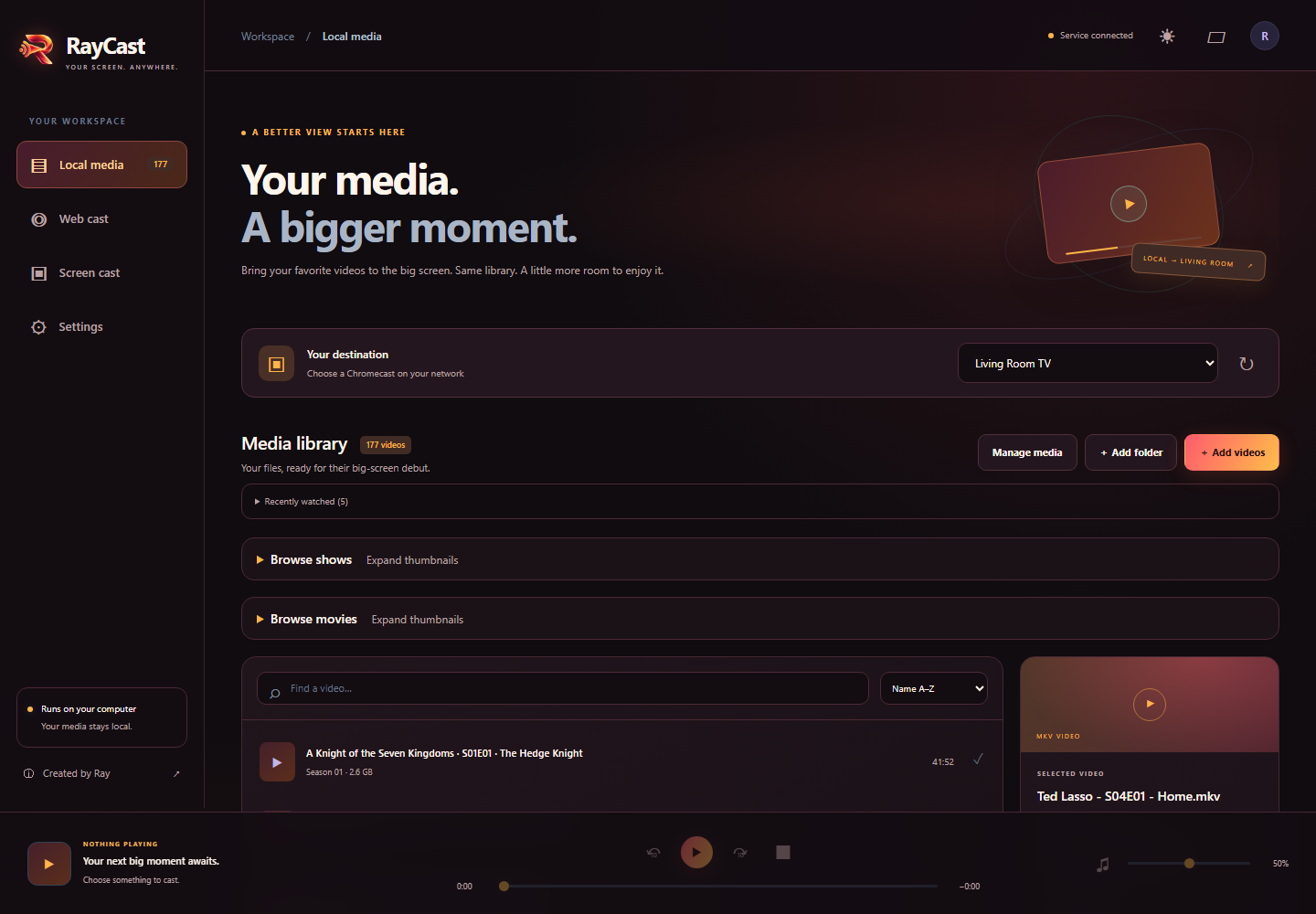
A full media library
Shows and movies, organised with thumbnails, search, sorting, and recently watched.
Cast anywhere
Send to a Chromecast, cast a browser tab, or share your whole screen.
Any browser, a new screen
Generate an external screen and cast to another browser, on any device.
Subtitles, built in
Build subtitles, load them independently, and fix out-of-sync timing locally, with a preview before saving.
Your phone, the remote
A companion app to browse your library and control playback from your phone.
Local and personal
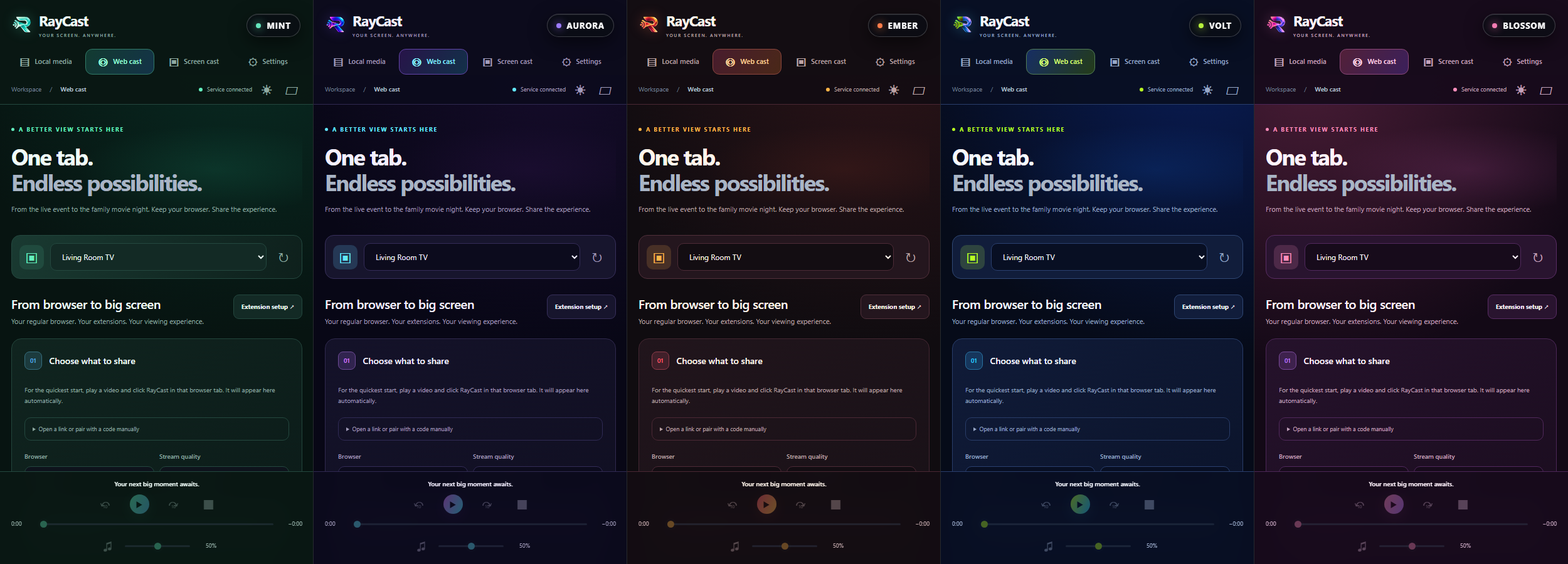
Runs on your computer, so your media stays local. Pick from five themes.
How it’s built
Tech stack.
- 01
Interface
Local web app, browser extensions, and a phone remote
- JavaScript
- Browser extensions
- Phone web app
- 02
Core service
A local Python service that manages the library and every cast
- Python
- TMDB & TVmaze
- 03
Media & devices
Finds screens on the network, converts media, and fixes subtitle timing
- Chromecast
- Zeroconf discovery
- FFmpeg
- ffsubsync
- 04
Delivery
Tested and packaged automatically, with a Windows installer
- GitHub Actions
- Inno Setup
- PowerShell